Dr. Maor Farid, Co-Founder & CEO at Leo AI
Dec 16, 2025
Usually DFM feedback used to come after you'd already sent files to the fab house. Designers used to create parts without understanding their manufacturer's real constraints, submitted files, and then waited while the manufacturer flagged issues and requested revisions.
This back-and-forth wasted time, delayed production schedules, and drove up costs. However, that’s not the case anymore, we now have context-aware DFM feedback built into our design workflow.
In this blog post, we compare five services that deliver real-time manufacturability analysis. We break down what each tool does best, how they integrate into engineering workflows, and what to consider when choosing the right fit for your team.
How Instant DFM Feedback Works?
Instant Design for Manufacturability (DFM) feedback uses AI and predefined manufacturing rules to analyze a CAD model as it is created or uploaded. The system identifies issues like thin walls, deep pockets and features that are difficult to machine or mold. Thanks to this, engineers receive immediate alerts instead of waiting for a manual review, and each notification highlights the exact area that needs attention.
Visual indicators appear directly on the 3D model to show where problems are located, and the tool also suggests practical ways to resolve them. This can include adjusting a feature, changing a tolerance or selecting a different material. And rules are tailored to each manufacturing process so the recommendations stay relevant and accurate.
Tools like Leo AI use a similar approach. When a CAD file is uploaded to its online quoting engine, the AI analyzes each part against a large manufacturing database.
The system supports engineers by handling calculations, evaluating manufacturability and production time estimates, and providing clear design feedback.
At the same time, it helps them locate suitable parts from PLM data and vendor catalogs - based on their best practice and tribal knowledge as well as relevant industry standards. The platform’s value comes from streamlining the design process and guiding better design choices, ultimately accelerating development while reducing manual work.
Comparison: Best DFM Services That Provide Instant Feedback
Service | Key Capabilities | Best For | Platform Type | Starting Price |
Provides real-time DFMA feedback and insights, answers technical questions and runs calculations based on DFMA guidelines and standards, provides full inspections of your CAD model inside your CAD with instructions on how to correct your design and what parts to choose to be DFMA compliant and aligned with your organization's best practices and industry standards. | Early-stage design, concept modeling, DFMA-guided CAD generation. | AI design copilot | $15/month | |
Upload CAD models for instant pricing and free DFM feedback; Automated quoting system; Protolabs Network (hybrid in-house + global partner network for scalable production); Access to application engineers for consultative design and project support. | CNC machining, injection molding, sheet metal fabrication, 3D printing. | Instant quoting platform | Varies: Injection molding ≈ $1,495; CNC ≈ $65; Sheet metal ≈ $100; 3D printing ≈ $95 | |
Full 3D modeling suite: sketching, direct & surface modeling, parametric modeling, mesh modeling, rendering, sheet metal tools, PCB integration, assemblies. | CNC, sheet metal, additive manufacturing workflows. | CAD-integrated AI | $85/month | |
Runs 1,000+ manufacturability checks; Highlights severity, images, and locations of issues; Enables early detection of PCB manufacturability violations to reduce redesigns and improve yield. | PCB designers need early DFM and supply chain validation. | PCB-specific DFM tool | $3,615.24/year per quantity | |
AI-driven DFM checks for machining, casting, molding; Issue tracking system where every comment becomes a task; Real-time feedback on 3D models/drawings in a shared browser workspace. | Engineering teams doing structured, collaborative design reviews. | AI copilot | ≈ $30/month |
5 Best DFM Services That Provide Instant Feedback
The following tools are all built around the specific challenges engineers face. Thanks to this, they deliver targeted, process-aware feedback that fits directly into professional workflows, making them well-suited for most engineering use cases.
1) Leo AI

Leo AI is an engineering-grade AI co-pilot that turns ideas and sketches into 3D CAD models and integrates with your existing tools and workflows (CAD, PLM, PDM, network and local folders, and more). It enables generating 2D and 3D design concept in seconds instead of days, delivers verified technical answers based on trusted sources - both from your organization's knowledge bases and over one million "bibles" of mechanical engineering - standards, guidelines, books, etc. - and finds best-fit parts from PLM or a library of more than 120M vendor parts - all integrated into your existing workflows, without any need to change them or organize them before integration, allowing immediate and streamlined connection. It also helps flag DFM issues early and suggests fixes, as it understands manufacturability constraints.
Why It’s A Good Option For DFM Feedback
Leo AI integrates directly into the design workflow, evaluating models, sketches, or text inputs in real time against a deep library of manufacturability rules. Engineers catch issues the moment they appear, and avoid costly delays by discovering issues earlier in development.
Leo's real-time analysis is powered by our patented Large Mechanical Model (LMM) trained on trusted and man-chosen mechanical design data, engineering standards, and vendor information and data sheets. This helps Leo recognize practical manufacturing risks like complex tooling needs, undercuts, or difficult tolerance stack-ups and delivers actionable suggestions in the workflow.
The same DFM guidelines apply across every project, making consistency easier to achieve. Leo can also learn from a company's PLM data and past failures, helping teams uphold internal standards and avoid repeating known issues.
Catching design flaws early reduces late-stage fixes, scrap, and the need for multiple prototypes. Engineers can also speed up concept development since Leo generates manufacturable 3D models from simple descriptions, shifting DFM from a final review step to a proactive, continuous loop that strengthens design quality from the start.
2) Protolabs

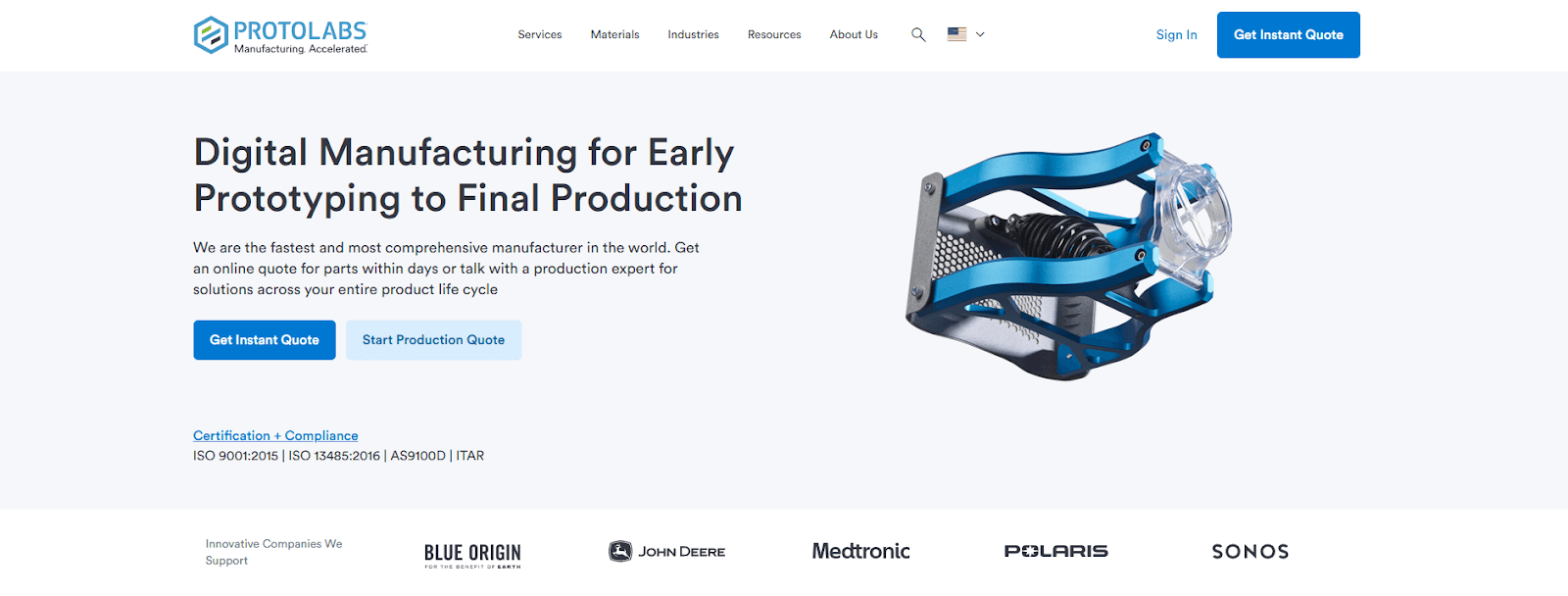
Protolabs is a digital manufacturer offering fast prototyping and on-demand production through CNC machining, 3D printing, injection molding, and sheet metal fabrication. It delivers instant quotes and fast turnaround, and their global partner network expands their capabilities and supports larger production volumes.
Why It’s A Good Option For DFM Feedback
Protolabs's entire quoting system is built for speed, automation, and deep manufacturability analysis. It reviews your 3D CAD model almost instantly, instead of requiring days of engineering review. And the rapid turnaround accelerates the design-feedback loop and helps you iterate much faster than with traditional manufacturing workflows.
When you upload a file, the platform performs a detailed manufacturability assessment and presents the results in an interactive 3D viewer. You can rotate the model, zoom in, adjust transparency, and examine highlighted areas directly on the part to understand exactly where improvements are needed.
Protolabs also updates pricing in real time as you change options like material, finish, quantity, or delivery speed. The immediate cost impact of any design adjustment makes it easier to refine your part with both performance and budget in mind.
Lastly, the automated analysis supports multiple manufacturing processes including Injection Molding, CNC Machining, 3D Printing, and Sheet Metal Fabrication.
3) Autodesk Fusion

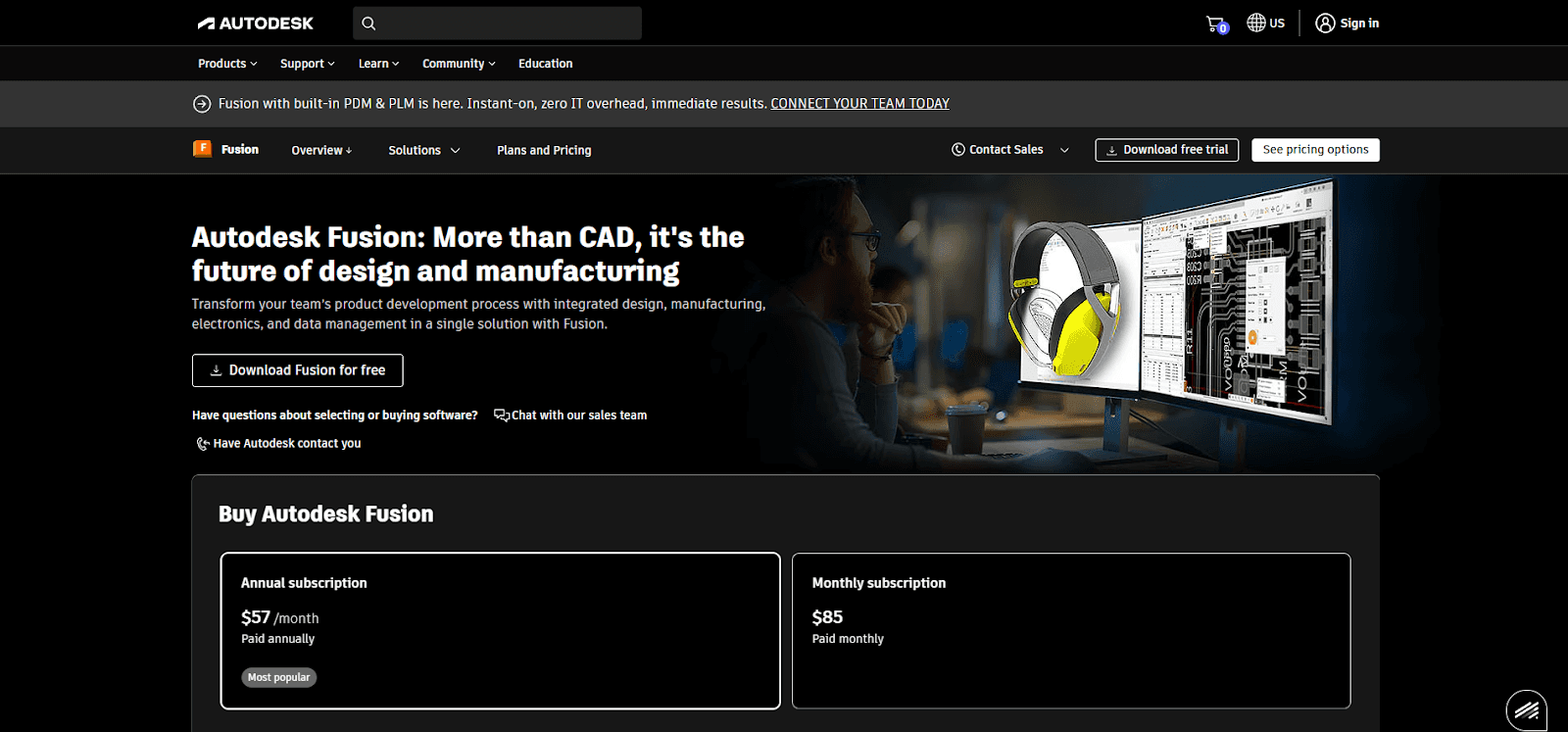
Autodesk Fusion is an all-in-one 3D design and manufacturing platform that brings CAD, CAM, CAE, PCB, data management, and collaboration together in one cloud-based tool. It lets users design, simulate, and manufacture products within a single application.
Why It’s A Good Option For DFM Feedback
Autodesk Fusion provides instant DMF feedback through its unified cloud platform. Early manufacturability checks are built into the workflow, and users can move directly into manufacturing workspaces such as CNC machining or additive manufacturing to spot process-specific issues.
Parametric modeling in Autodesk Fusion supports fast and accurate design updates. Each change automatically updates the full design history, which makes it easy to see how modifications affect part geometry and manufacturability.
Simulation tools in Fusion test designs under real-world conditions. Stress, thermal performance, and other potential failures become visible long before physical production, which reduces risk and strengthens DFM outcomes.
Third-party integrations add another layer of instant feedback. Add-ins like Xometry analyze part geometry based on the requirements of CNC machining, 3D printing, and injection molding.
4) Siemens PCBflow

Siemens PCBflow is a cloud-based DFM tool that streamlines collaboration between designers and manufacturers. It lets designers upload their boards and instantly get feedback on manufacturability issues.
Why It’s A Good Option For DFM Feedback
Siemens PCBflow provides a straightforward, browser-based workflow that requires no installation. Designers can upload their PCB designs and immediately run a full DFM analysis online. It also allows users to select a specific participating manufacturer so the analysis reflects that manufacturer's current process capabilities and constraints.
The platform uses the Valor NPI DFM engine (well-established industry standard) and includes more than one thousand checks for both fabrication and assembly. PCBflow also supports DFA analysis by using accurate component geometry from the Valor Part Library to identify placement or solderability problems early in the design phase.
PCBflow includes secure collaboration features that let designers share DFM results with manufacturing partners and internal teams. This streamlines review, shortens sign-off cycles, and reduces unnecessary back-and-forth communication. It also offers real-time BOM sourcing and pricing information to avoid risks such as obsolete or long-lead-time components.
5) CoLab Software

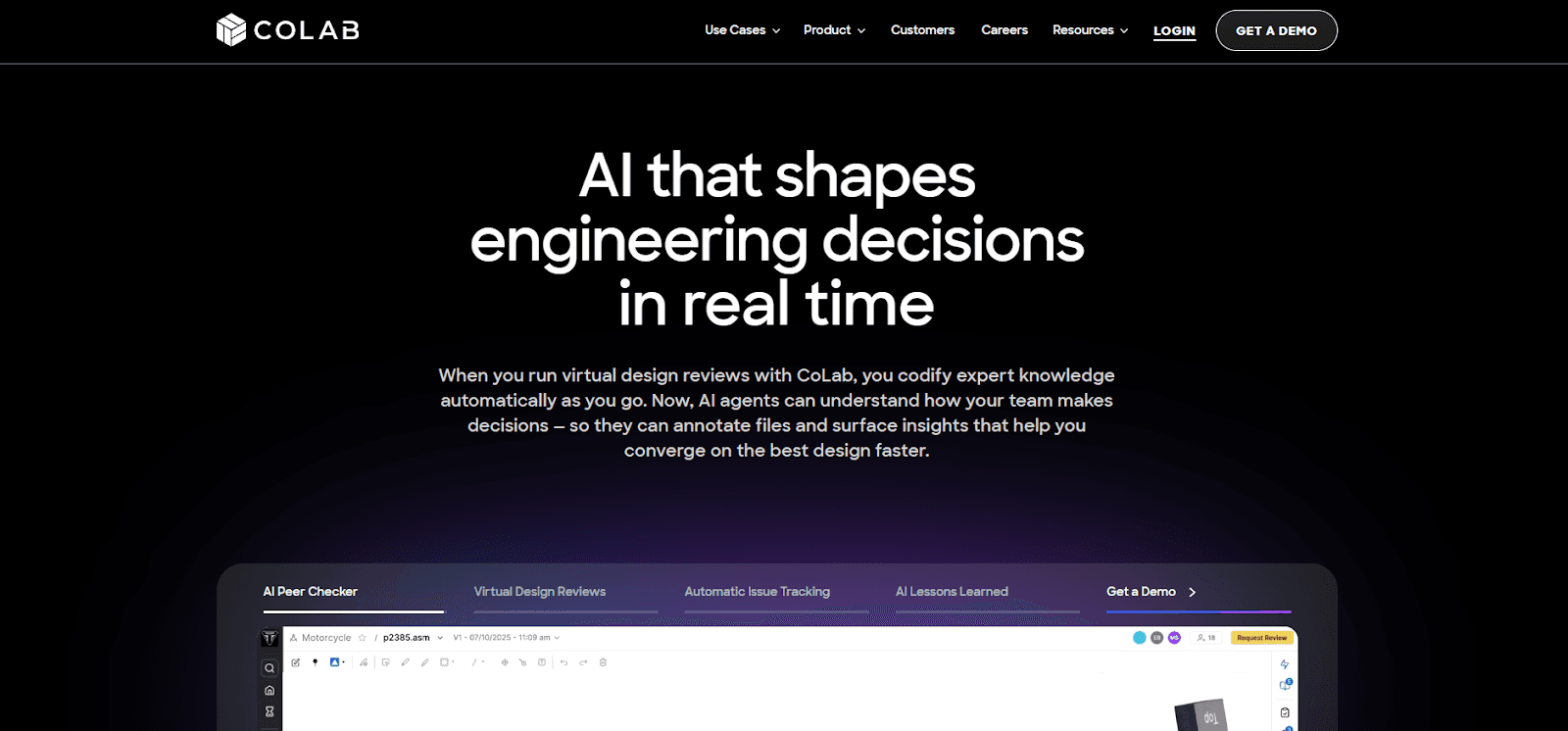
CoLab is a collaborative platform for product development teams that streamlines design decisions. It allows teams to visualize and compare designs, discuss options, and track comments in one shared space. It also provides AI-powered suggestions based on the organization’s collective technical knowledge to improve every iteration.
Why It’s A Good Option For DFM Feedback
CoLab Software gives teams a fast, accessible, and centralized way to review designs. Stakeholders, including suppliers and manufacturing experts, can place comments and markups directly on 3D models and 2D drawings.
No one needs expensive CAD or PLM tools to view designs or provide input, which increases the number of people who can participate and brings manufacturing and quality expertise into the process earlier.
Engineers and reviewers can see each other’s comments in real time, which speeds up discussions and helps resolve potential issues faster. CoLab’s AutoReview feature acts as an AI peer checker by analyzing models and drawings against DFM best practices, internal standards, and lessons learned from previous projects.
It can flag common design errors, non conformances, and production risks before a human review begins, which means engineers submit cleaner designs and reduce the time needed for SME feedback.
The platform also allows teams to share designs with multiple suppliers and internal groups at the same time. Everyone can leave feedback in a secure setting, which shortens the DFM review cycle from weeks to days.
Key Considerations When Choosing A Service
Manufacturing process: Select a DFM tool that supports your specific processes, such as injection molding, CNC machining, or additive manufacturing.
Integration with design tools: Consider whether you need feedback directly within your CAD software or if a standalone quoting platform will suffice for your workflow.
Visual feedback: Tools that provide visual or interactive feedback directly in your CAD environment help you identify and resolve issues more efficiently.
Speed versus accuracy: Automated feedback delivers quick results but may overlook complex manufacturability issues, while consultative reviews take longer but provide deeper analysis.
Collaboration features: Evaluate whether your team needs built-in collaboration capabilities between design, manufacturing, and quality departments.
Cost structure: Understand the pricing model, as some tools are bundled with quoting platforms while others operate as standalone solutions or CAD integrations.
Customization and scalability: Look for solutions that can be tailored to your specific requirements and grow with your business.
Technology compatibility: Ensure the provider’s systems integrate smoothly with your existing infrastructure and use current technology.
Conclusion
All the tools covered in this post each offer a different approach to instant DFM feedback so the right choice depends on where you need feedback most. If your team struggles with late-stage redesigns, look for tools that integrate directly into your CAD environment and flag issues as you design.
If supplier collaboration slows your review cycles, prioritize platforms that let stakeholders comment without needing specialized software. And if cost visibility matters as much as manufacturability, consider services that tie DFM analysis to real-time pricing.
What all these tools share is a shift from reactive to proactive design. Instead of waiting for a manufacturer to tell you what's wrong, you see the issues while you still have time to fix them. That's the real value of instant DFM feedback, fewer surprises, faster iterations, and parts that are ready for production the first time you send them out.