

AI for Engineering Productivity
Claude AI reviewed for mechanical engineering work. What it handles, where it breaks down, and when you need purpose-built engineering AI instead.
·
⏱
7 min read

Michelle Ben-David
Michelle Ben-David is a mechanical engineer and Technion graduate. She served in an IDF elite technology and intelligence unit, where she developed multidisciplinary systems integrating mechanics, electronics, and advanced algorithms. Her engineering background spans robotics, medical devices, and automotive systems.
BOTTOM LINE
Claude is a strong general-purpose AI and it handles certain engineering tasks well. Quick explanations, documentation drafts, code generation, and brainstorming all benefit from its speed and clarity. But for the work that actually defines mechanical engineering - CAD-based design, part search, traceable calculations, material selection with citations, and PDM/PLM integration - Claude has real gaps. It cannot read your CAD files, it cannot search your vault, and it cannot cite the standards behind its answers. If your engineering decisions need to be verifiable, you need an AI built for that specific problem.
If you are a mechanical engineer evaluating Claude, you are probably asking a pretty simple question: can this thing actually help me do my job? Not "can it write a haiku about fluid dynamics" - can it save me real time on real engineering work?
The honest answer is mixed. Claude is one of the best general-purpose large language models available in 2026. It handles certain engineering tasks surprisingly well. But there are hard boundaries where it stops being useful and starts becoming a risk. If you work with CAD files, rely on PDM systems, or need traceable material data, those boundaries matter a lot.
This is the breakdown. No hype, no sales pitch - just what Claude actually does and does not do for mechanical engineering work.
Where Claude Genuinely Helps
Give Claude credit where it is due. For general engineering Q&A, it is fast and often quite good.
Ask it to explain the difference between 304 and 316 stainless steel, walk you through a GD&T concept, or summarize how a specific heat treatment process works, and you will get a solid, readable answer. It is stronger than Google for these kinds of queries because it synthesizes information into a direct response instead of handing you ten links to sort through.
Claude is also decent at basic calculations. Unit conversions, simple beam bending, pressure vessel formulas - it can walk through the math step by step. For back-of-envelope work where you are sanity-checking an approach before committing to a full analysis, that is genuinely useful.
Documentation is another real strength. Draft test procedures, write up design review notes, generate a first pass at a technical report - Claude handles this well. It can take bullet points and turn them into structured, readable text faster than most engineers can type. Same goes for code generation: if you need a quick Python script for data processing or a MATLAB snippet for curve fitting, Claude is strong there.
IN PRACTICE
For the first time, I feel like there's an AI model that really understands me.
"For the first time, I feel like there's an AI model that really understands me." - Verified User, Defense & Space
Where Claude Creates Risk for Engineers
The problems start the moment you need engineering-grade reliability.
No citations. This is the big one. When Claude tells you a material has a yield strength of 450 MPa, there is no ASTM standard attached. No datasheet. No source you can trace. In aerospace, defense, or medical device work, an untraceable number is a useless number. You still have to go verify it manually, which wipes out most of the time you thought you saved.
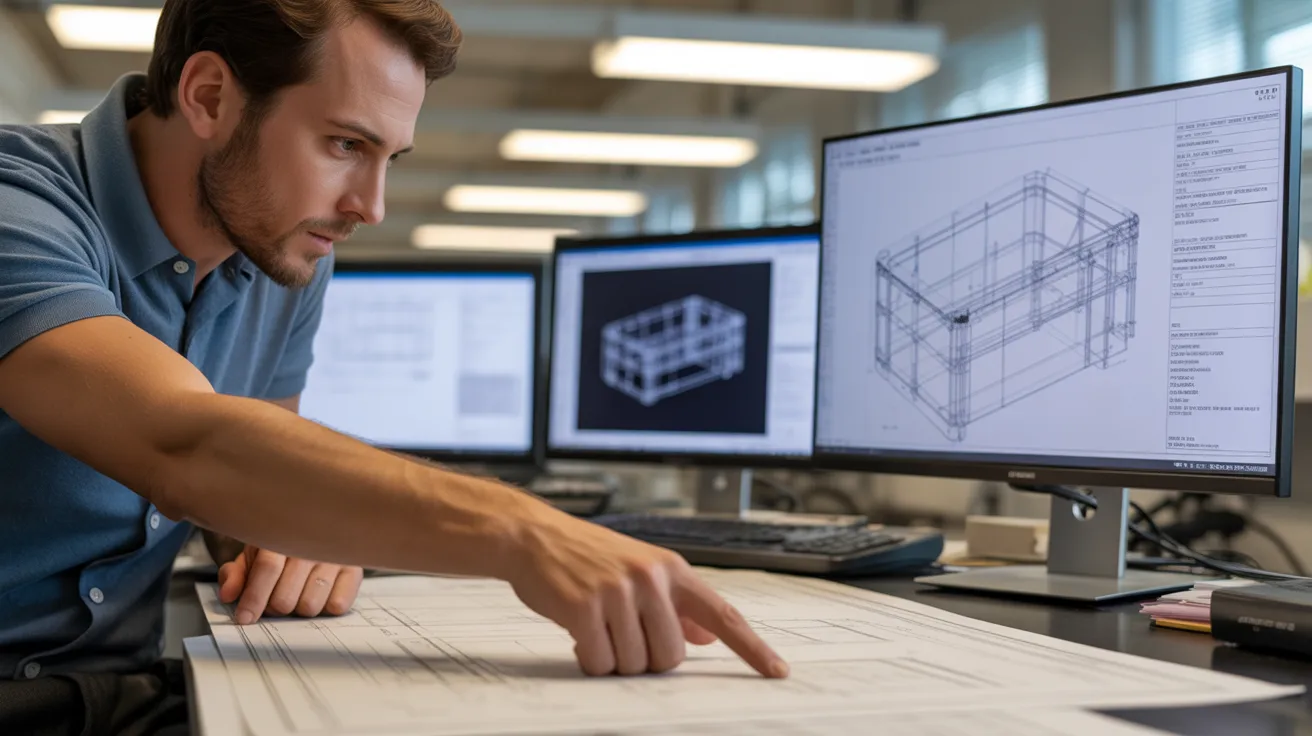
No CAD reading. Claude cannot open a SLDPRT file. It cannot parse a STEP file. It cannot look at an assembly tree, read feature history, or understand B-rep geometry. If your work revolves around 3D models - and if you are a mechanical engineer, it does - Claude is blind to your primary work product.
No PDM or PLM integration. Claude has no idea what parts your company has already designed. It cannot search your SolidWorks PDM vault, your Windchill instance, or your Teamcenter database. Every answer comes from its training data, not your organization's actual engineering knowledge.
Hallucination on engineering specifics. Claude sometimes generates plausible but wrong material properties, incorrect tolerance standards, or formula coefficients that do not match any real specification. In general conversation, a hallucination is an annoyance. In engineering, it can become a manufacturing defect.
The Gap Between General Intelligence and Engineering Intelligence
This is not a flaw in Claude's design. It is a consequence of what Claude was built to do. Anthropic built Claude as a general-purpose AI assistant. It is trained on broad internet data. It can discuss philosophy, write code, analyze business strategy, and answer engineering questions - all in the same session. That breadth is impressive.
But mechanical engineering does not reward breadth. It rewards depth, specificity, and traceability. You do not need an AI that can discuss 10,000 topics at surface level. You need one that can tell you exactly which 6061-T6 bracket in your vault matches a 47mm envelope constraint, cite the ASME standard that governs the tolerance, and show the calculation logic behind its answer.
That is a fundamentally different kind of AI. It requires training on curated engineering sources - not the entire internet. It requires integration with PDM and PLM systems. It requires the ability to read native CAD geometry. And it requires a verification layer that provides citations for every technical claim.
Leo AI was built specifically for this. Trained on over one million pages of vetted engineering standards, textbooks, and technical references, Leo connects directly to an organization's PDM, PLM, and CAD vault. It holds 3 US patents for native CAD file reading - B-rep geometry, feature trees, and assemblies. It offers integrations with SolidWorks PDM, Autodesk Vault, PTC Windchill, Siemens Teamcenter, and Arena PLM. And every technical answer comes with source citations so you can verify before you trust.
When to Use Claude vs. When to Use Purpose-Built AI
Here is the practical guide. Use Claude when:
- You need a concept explained in plain language
- You are drafting non-critical documentation
- You want help writing code or scripts
- You are brainstorming early-stage design approaches
- The output does not feed directly into a design decision
Switch to purpose-built engineering AI when:
- You need material data with traceable sources
- You are searching for existing parts in your vault
- You need calculations verified against industry standards
- The answer goes into a design that will be manufactured
- You are working in a regulated industry where traceability is required
- You need to surface past design decisions or tribal knowledge
The distinction is not about which AI is "smarter." It is about which one is connected to the data and trained on the domain that actually matters for your work.
FAQ
Try AI Built for Engineers
See what purpose-built engineering AI actually does.
Leo AI reads your CAD files, searches your PDM vault, and cites every source. Try it free and see the difference between general AI and engineering AI.
Schedule a Demo →

#1 New AI Software Globally - G2 2026

Enterprise-grade security

Trusted by world-class engineering teams




