AI for CAD Tools
Seven AI CAD software tools compared by job, data access and team fit, plus a two-week test with pass criteria you can run on your own files.
·
⏱
6 min read

Michelle Ben-David
Michelle Ben-David is a mechanical engineer and Technion graduate. She served in an IDF elite technology and intelligence unit, where she developed multidisciplinary systems integrating mechanics, electronics, and advanced algorithms. Her engineering background spans robotics, medical devices, and automotive systems.
BOTTOM LINE
Match the tool to the job: Fusion and Creo generate geometry, SOLIDWORKS and Designcenter NX assist inside the CAD session, CoLab reviews files, and Ansys Discovery simulates. For finding parts and past decisions in your own PDM or PLM, Leo is the option built for that job. Test every tool on your own files first.
Choose AI CAD software by the job it does. Fusion and Creo generate geometry, SOLIDWORKS and Designcenter NX assist modeling inside the CAD session, CoLab reviews drawings and models, Ansys Discovery simulates, and a search layer finds parts and past decisions in your vault. No single tool does all five.
If your team of 20 or more engineers works in SOLIDWORKS, Creo or NX with a PDM or PLM behind it, the comparison below shows what each tool reads, where it runs and what you can verify.
Four questions decide which AI CAD tool fits a team
One engineer can try any tool in an afternoon. A team of 20 needs four answers before a pilot starts.
What it reads. The open model, the files in your vault, or drawings uploaded for review. A tool that reads the open model can change it. A tool that reads the vault can answer from your history.
What it returns. Geometry, review comments, simulation results or a cited answer. Each return type needs a different check.
Where it runs. Inside the CAD session, in the vendor's cloud, or alongside your PDM or PLM. This decides what your IT group must approve.
How you catch a wrong answer. A visible solver setup, an annotation you can reject, or a citation you can open. Drop any tool that gives a confident answer with nothing to check.
IN PRACTICE
The geometry search has been invaluable, helping me find standard parts instead of designing new ones, saving a huge amount of time and effort. The search system is smart and CAD-aware.
- Eytan S., R&D Engineer
Seven AI CAD tools compared on job, data and runtime
Each row below gives a tool's job, runtime, data access, team controls and ideal buyer. Every fact traces to a vendor page in Sources, so confirm your CAD version with the vendor before a pilot.
Tool | Job | Runs in | Data it reads | Team features | Best for |
|---|---|---|---|---|---|
Leo | Finds parts, formulas and past decisions; builds assemblies from reused parts | Cloud service that indexes files where they sit | CAD and text files in PLM, PDM and Windows directories | SOC 2 Type II, role-based access, no training on customer files | Teams with years of stored designs |
Generates manufacturable shapes from objectives and limits | Generative Design workspace in Fusion | The model plus the goals and constraints you set | Compares outcomes across manufacturing methods | Exploring shapes for one part | |
Diagnoses model issues, generates assembly structures, creates drawings from prompts | SOLIDWORKS 2026 FD01 | Prompts typed in SOLIDWORKS; the vendor page gives no further detail | Not stated on the vendor page | Daily modeling in SOLIDWORKS | |
Answers task questions, predicts commands, selects similar components, takes voice commands | Designcenter CAD | The open session and your design data | Not stated on the vendor page | NX teams cutting clicks | |
Generates one design per criterion and material | Cloud, started with Send to Cloud in Creo | A study set up in Generative Topology Optimization | Returns the best designs to Creo Parametric | Comparing materials in Creo | |
Annotates 2D drawings and comments on 3D models | CoLab review platform | Drawings and CAD models, with links to Creo, Windchill, NX, Teamcenter, 3DEXPERIENCE, SolidWorks and Jira | Review tracking, real-time and async collaboration | Formal design reviews | |
Real-time multiphysics simulation with geometry modeling and optimization | Ansys Discovery | Geometry you model in the tool | Not stated on the vendor page | Early design checks |
Dassault spells its SOLIDWORKS companion LEO. It is a separate product from Leo, the tool in the first row.
What each tool does well and where it stops
Each description comes from the vendor documentation linked in Sources. Nothing here comes from hands-on testing, so the pass criteria in the next section matter more than any verdict below.
Generating geometry: Fusion and Creo. Fusion's Generative Design workspace takes objectives such as minimizing mass or maximizing stiffness, with limits for safety factor, mass target and displacement. You select at least one manufacturing method from additive, milling, 2-axis cutting and casting, and Fusion lets you compare the outcomes per method.
Creo's Generative Design Extension generates a design for each criterion and material and returns the best designs to Creo Parametric for downstream edits. Both tools produce shapes to evaluate, not drawings to release. A licensed engineer still validates any shape for a safety-critical part. The post on whether AI can generate CAD models covers the wider picture.
Assisting inside the session: SOLIDWORKS and Designcenter NX. Dassault presents LEO and AURA as AI-powered Virtual Companions in SOLIDWORKS 2026 FD01 that diagnose model issues, generate assembly structures and create drawings from simple prompts. Siemens describes an Industrial Copilot built on Microsoft Phi-3 that answers questions and makes design changes.
Siemens also lists AI Select Similar Components for bulk edits and a Teamcenter AI Assisted Part Finder that matches an uploaded photo to existing part files. Test the finder on your own vault, because photo matching and shape matching are different searches. For the SOLIDWORKS side, see the SolidWorks PDM comparison.
Reviewing files: CoLab. CoLab lists auto-generated annotations for 2D drawings and auto-generated comments for 3D models. Its integration list names Creo, Windchill, NX, Teamcenter, 3DEXPERIENCE, SolidWorks and Jira. Run it on drawings that already carry known defects and count what it finds. The AI design review post lists the checks to expect.
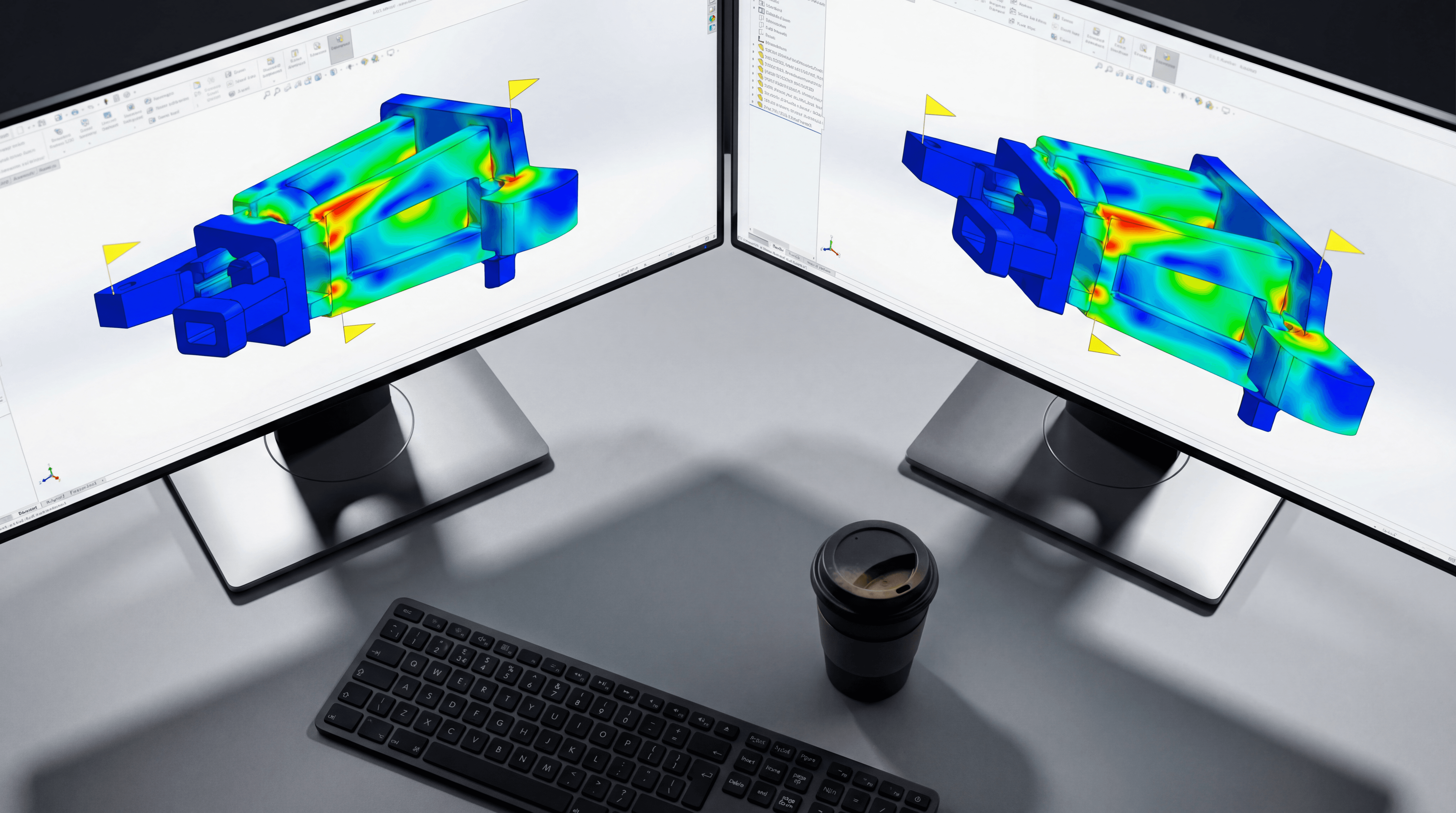
Simulating early: Ansys Discovery. Ansys describes Discovery as a platform that combines geometry modeling, real-time multiphysics simulation, and design optimization. Real-time results guide early choices. Final validation still needs your standard solver and a licensed engineer's review.
Run a two-week evaluation on 30 of your own files
Test each tool only on the job in its table row. A tool judged on a job it does not claim will fail for the wrong reason.
Days 1 and 2: assemble 30 items. Use 10 parts that have known duplicates in your vault, 10 drawings with one planted defect each, and 10 past design questions whose answers are documented.
Days 3 to 6: run the part search and question tests. Pass when 8 of 10 known duplicates show up within the first 5 hits, and 8 of 10 answers point to a document you can open.
Days 7 to 9: run the review test. Pass when the tool flags at least 7 of 10 planted defects with no more than 3 false flags across all 10 drawings.
Days 7 to 9: run the geometry and simulation tests. Pass when an engineer rebuilds a generated shape in under 1 day, and a simulation result lands within 10% of a validated solver on 3 cases you already trust.
Day 10: log minutes per task against your current method, then ask each vendor in writing where derived data is stored and whether your files train a model.
Finding reusable parts and past decisions with Leo
Leo covers the vault-search row of the comparison. You connect it to your PLM, PDM or Windows directories, then ask in plain language or select a part and ask for similar ones. It returns matching parts and answers with citations to the documents behind them.
Leo finds parts in your PLM and 120M+ vendor parts, and its answers are grounded in your PLM data and 1M+ engineering sources. For a past decision, such as why a fastener was chosen on a 2009 bracket, you get the calculation or design note it came from. See how geometric search works for the shape-matching side.
Leo keeps only encrypted vectors and never copies the source files, so your CAD and documents stay in the PLM, PDM or Windows folders that hold them today. The security page lists the controls.
One limit: Leo can only find what your vault holds. A team with few stored designs gets little from search, and a safety-critical sign-off still needs a licensed engineer.
FAQ
Meet LEO & AURA in SOLIDWORKS 2026, Dassault Systèmes, accessed 2026-11-04
Artificial intelligence (AI) in Designcenter CAD, Siemens, accessed 2026-11-04
Design criteria, Fusion Generative Design help, Autodesk, accessed 2026-11-04
Generative Design Extension, What's New Creo 7.0, PTC, accessed 2026-11-04
CoLab, AI-powered design review for engineering teams, CoLab, accessed 2026-11-04
Ansys Discovery, 3D product simulation software, Ansys, accessed 2026-11-04
See it on your team's own data
A 30-minute walkthrough of Leo on your PDM or PLM data.
Book a 30-minute walkthrough. We run Leo on a sample of your team's files and cover how deployment works, which data it reads and who can see the results.

#1 New AI Software Globally - G2 2026

Enterprise-grade security

Trusted by world-class engineering teams